
infrADAC_LogoV2_Horizontal

Your solution to ADAC XML design

IMPORT/EXPORT CONTROLS.

Work with ADAC XML in AutoCAD, BricsCAD and 12d Model

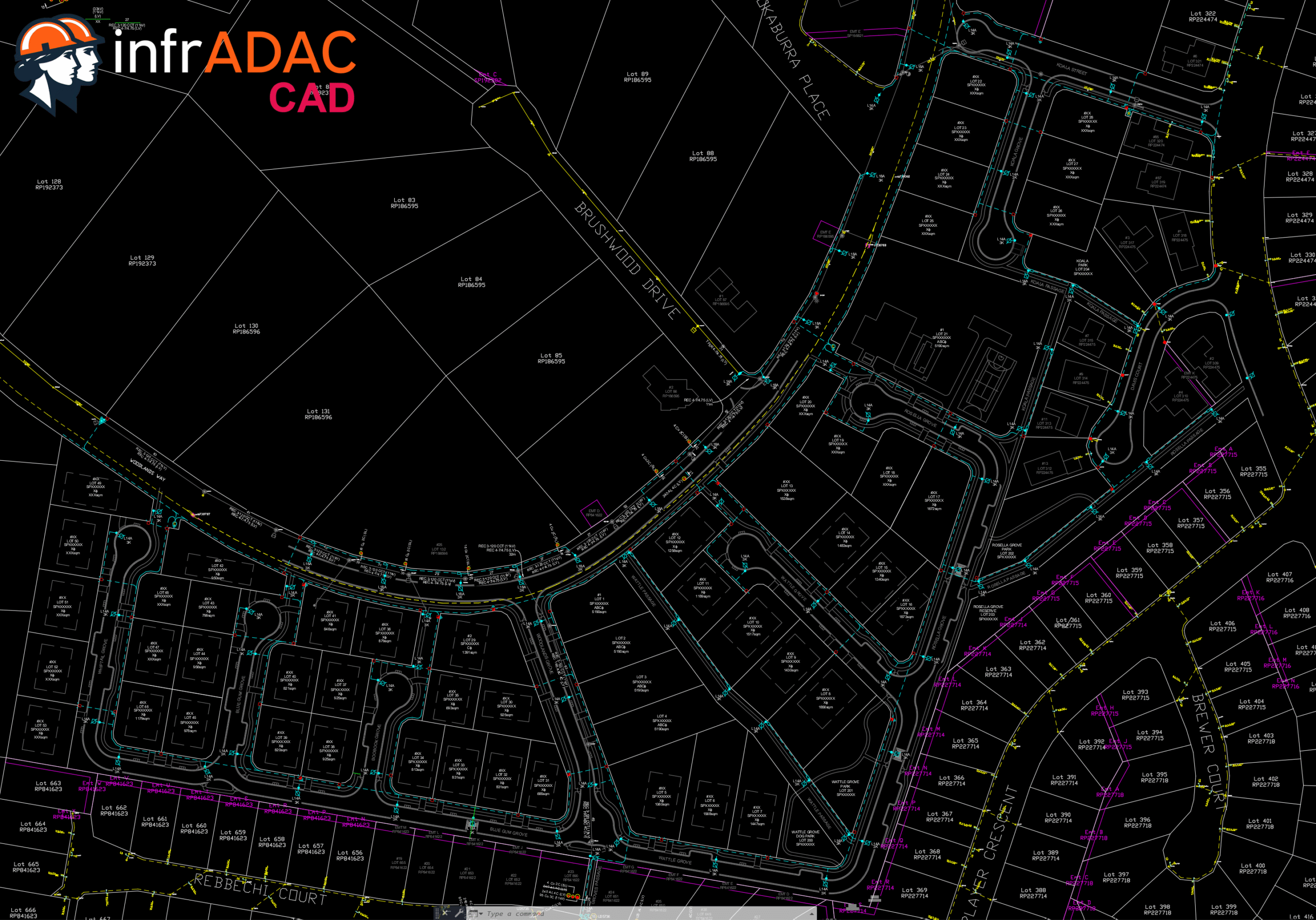
infrADAC allows you to create, edit, and validate ADAC XML data for AutoCAD and BricsCAD directly within the model space. This removes the need for external processing tools or format conversions. Your drawings and data remain synchronised at all times.

For 12d Model workflows, infrADAC operates as an external application. ADAC XML data can be imported, updated, and exported while maintaining full schema compliance. This ensures alignment between drawings and data while designers stay focused on design and infrADAC manages ADAC XML compliance.

Ribbon bar and command support for AutoCAD and BricsCAD for ease of use.

DESIGN FOR ACCURACY.

Asset & project attributes structured from the ADAC XML Data Dictionary

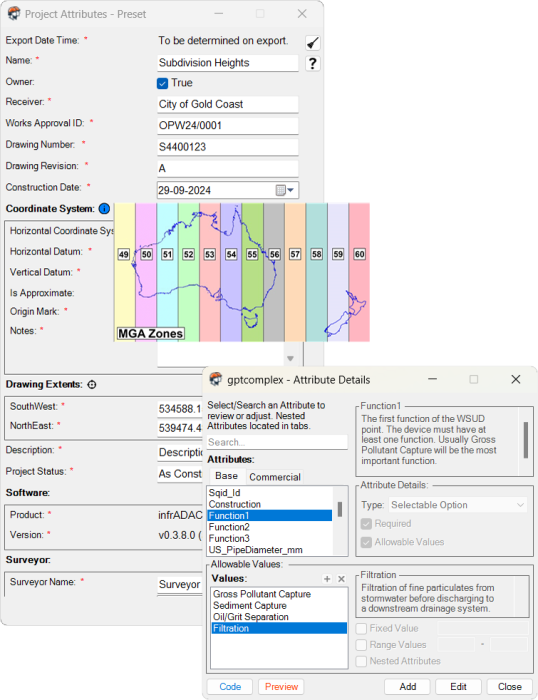
All asset and project information is structured in line with the official ADAC XML Data Dictionary. infrADAC automatically enforces attribute consistency, reducing the risk of manual entry errors or non-compliance. With properties mapped directly to the data dictionary, every asset remains properly defined and standardised across projects. This streamlines collaboration and guarantees outputs that align with ADAC XML submission requirements.

infrADAC is also fully backwards compatible with ADAC XML versions 6.0, 5.0.1, 4.2 and 4.1, allowing you to open and work with older data sets. If your organisation requires continued use of earlier versions of the standard, infrADAC ensures your quality assessments remain aligned with those requirements.
Detail1
VERIFY. SUBMIT. ACCEPT.

Generate and validate any ADAC XML submission with confidence

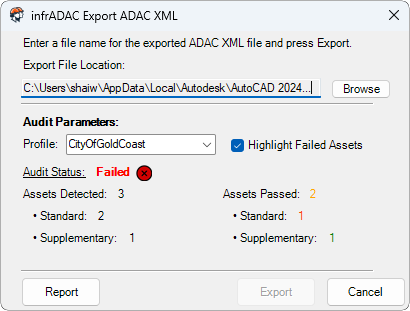
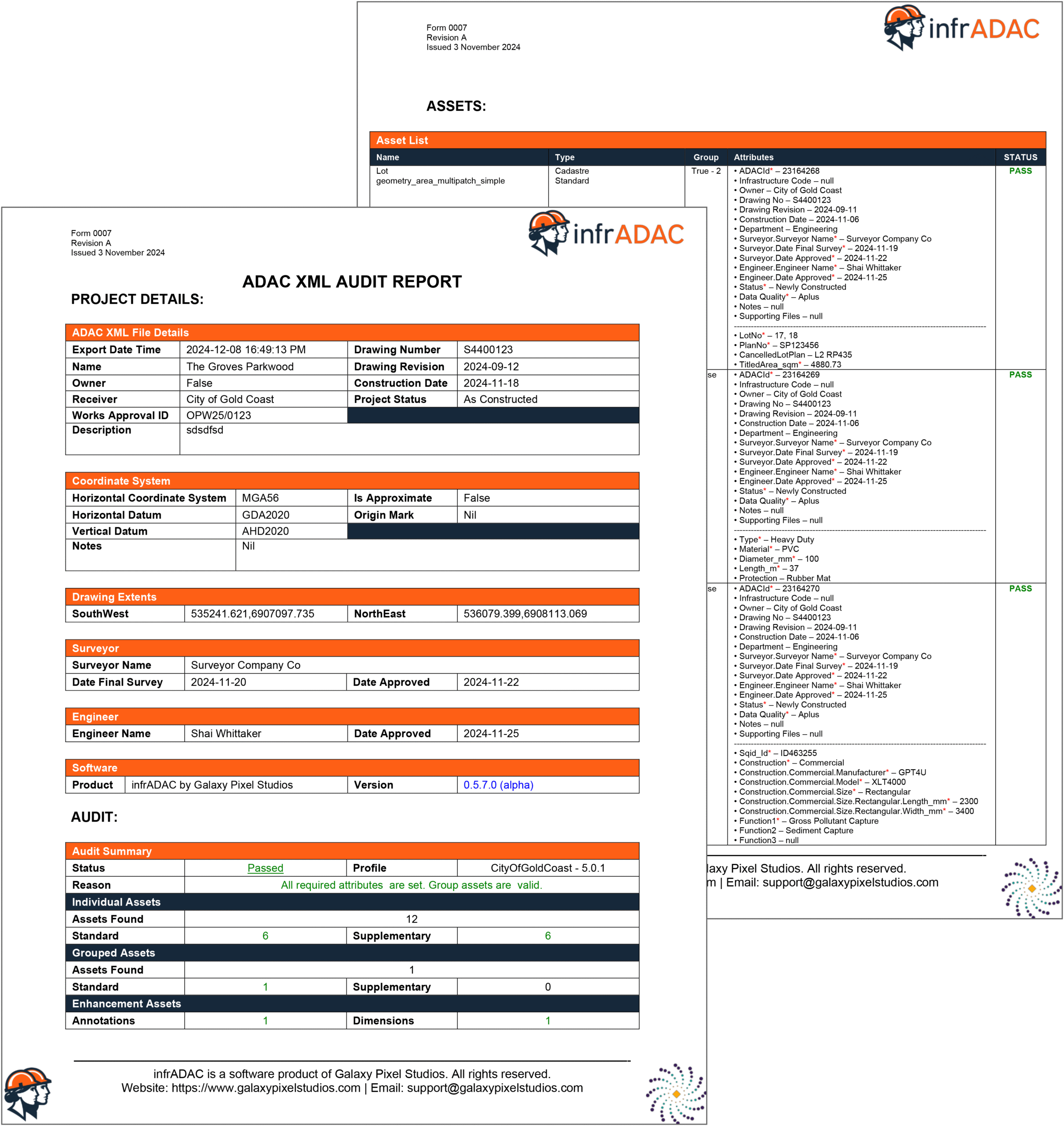
infrADAC generates complete ADAC XML files directly from your design environment, eliminating the need for external validation steps. Each submission is automatically checked against the ADAC XML schema to confirm full compliance before delivery. A detailed audit report is also produced, giving organisations a clear and consistent way to review submissions while saving time and cost.

In addition to files created within infrADAC, the software can also validate and audit ADAC XML submissions specific to Council/Utility specification. This process reduces the risk of costly rejections and provides confidence that every XML file is accurate, reliable, and ready for approval regardless of who you are submitting to.

Council and Authority Profiles Available on Purchase

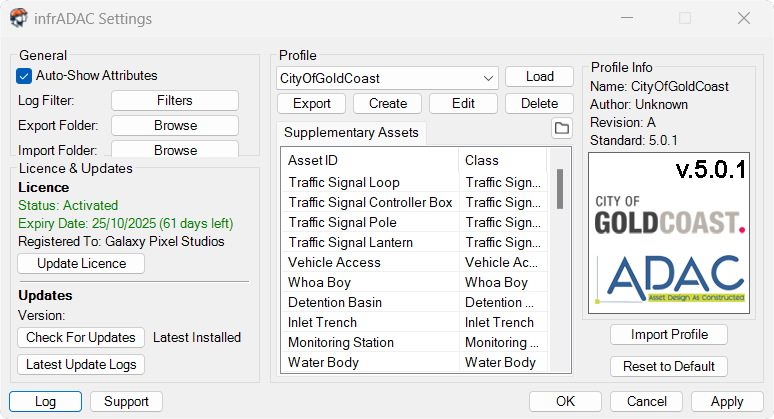
Get setup quickly with precompiled profiles made to ensure specific compliance all the way down to ComponentInfo Notes.

CREATE & MANAGE.

Full Asset & Profile Control

Gain complete oversight of every asset and profile in your project. infrADAC enables you to configure profiles for Councils and Authorities, ensuring asset and project data meet specific submission requirements.

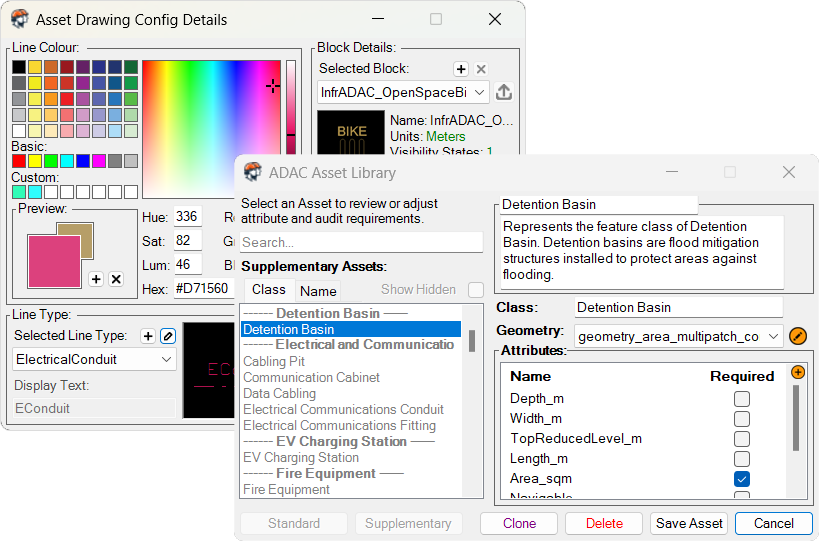
infrADAC provides full support for Supplementary Assets, allowing new assets to be defined and their visual representation managed within AutoCAD and BricsCAD. Complex geometry is supported, along with the ability to attach supplementary files such as documentation and imagery.

The same workflow supports Additional Base Class Assets, Additional Attributes, and ComponentInfo Notes requirements. These capabilities are available across AutoCAD, BricsCAD, and 12d Model, ensuring consistent ADAC XML compliance regardless of the design platform.

This combination of flexibility and precision provides end-to-end control makes it easier to deliver submissions that are both compliant and comprehensive.

The most advanced ADAC XML file viewer, directly in your browser, 100% free.

VISUALISE YOUR DATA

Make real time ADAC XML management a reality with infrADAC Map

Seamlessly explore, validate and present ADAC XML data in a modern, interactive map environment. Built to replace outdated workflows, infrADAC Map gives you clarity and control over your asset information.

Multifile Interactive Viewer
Council/Utility Region Check
Full Asset Inspection
Collaborate/Map Sharing
Advanced Layer Control
Project Level Auditing
Supporting Files Integration
Phone/Tablet Compatible
infrADAC_LogoV2_Horizontal

Ready to get started?

Access infrADAC today and streamline the creation, validation, and delivery of ADAC XML files.