Advanced ADAC XML review

Complete audit evidence, connected to the submission.
Run full audits, understand every material finding and resolve ADAC XML issues from the same mapped browser workspace.
- Full base schema and entitled receiver profile audits
- Detailed PDF evidence with per-asset findings
- Profile-controlled editing and advanced XML preparation
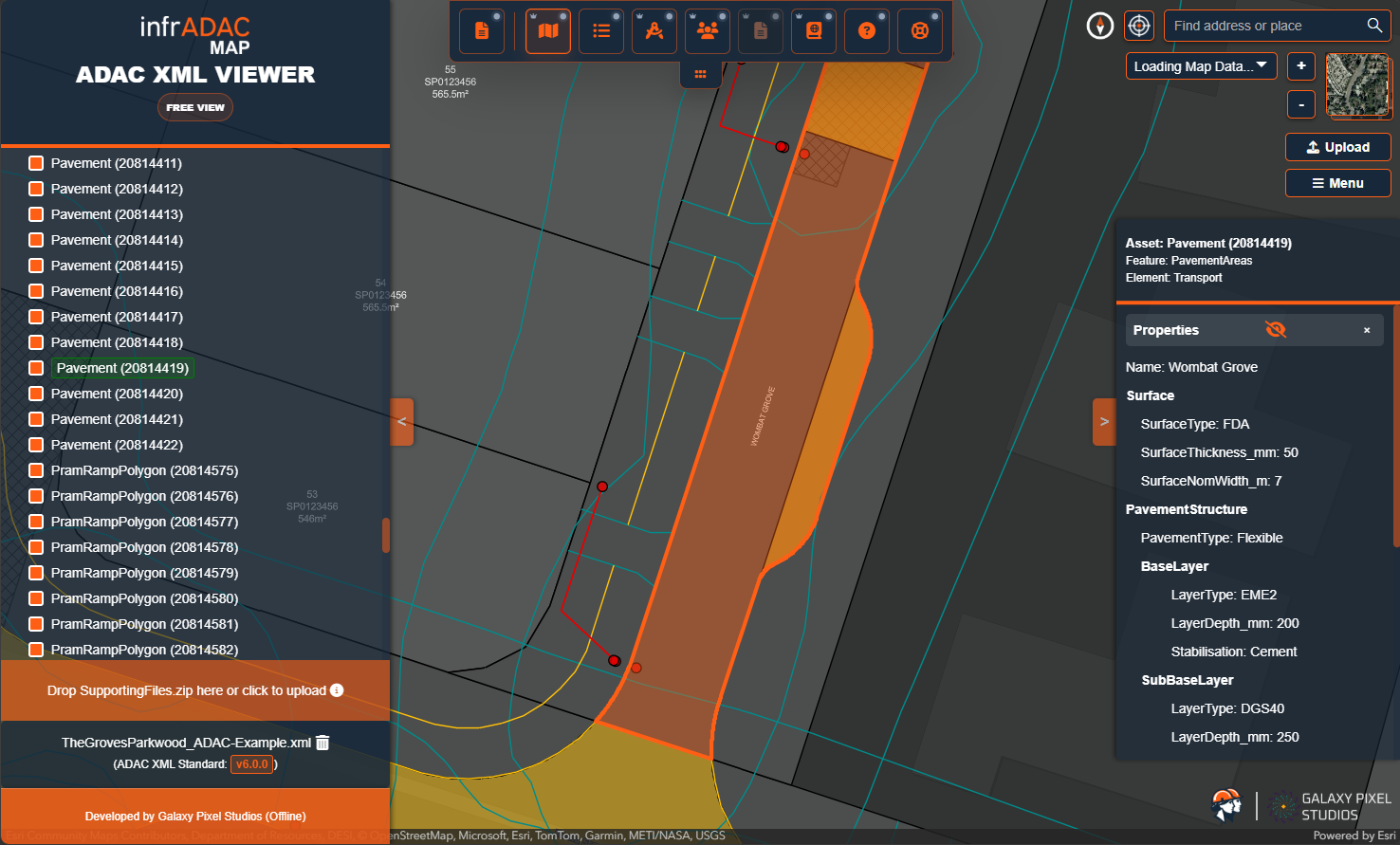
Map Pro capability
A complete technical review workflow.
Move from the submission score to the affected asset, its profile requirement and the evidence needed to resolve the finding.
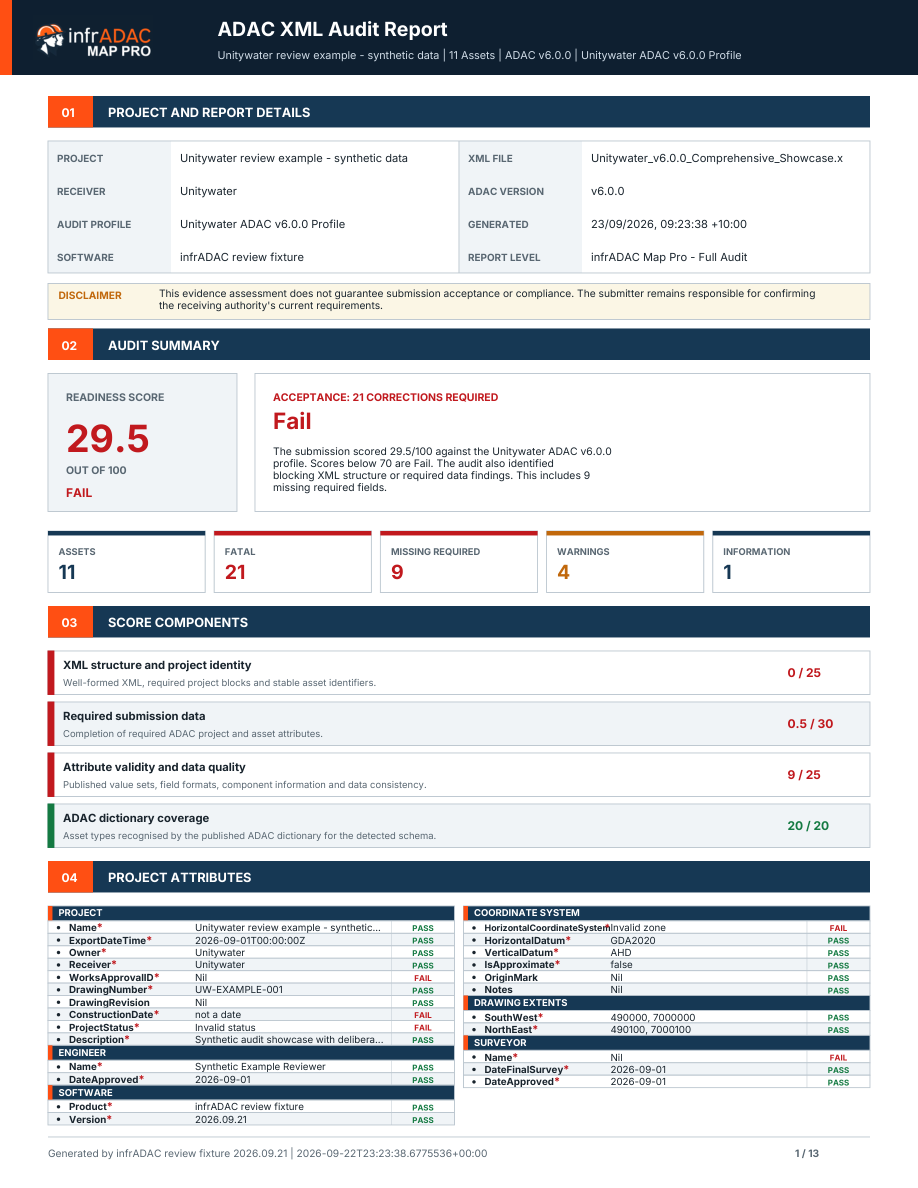
Full ADAC audit
Review the overall score, component scores, project evidence and detailed asset findings with clear reasons for each result.
Receiver profiles
Apply entitled council or utility requirements against the matching ADAC schema variant when a receiver-specific review is required.
Detailed PDF evidence
Generate a consistent submission summary and a structured per-asset breakdown for technical review and issue resolution.
Enhanced Edit
Work with exact attribute types, required indicators and available ENUM values supplied by the active audit profile.
Clean and prepare
Preview supported clean operations, generate unique identifiers and prepare repeatable corrections without changing unrelated information.
Compare, Merge and Split
Understand meaningful changes between deliveries and create controlled XML outputs from the selected project content.
Enhanced 3D context
Add photorealistic landscape context to the 3D submission view when the connected visual service is available.
Larger collaboration rooms
Host a shared Map review room for up to six participants including the host.
Connected evidence
Follow the finding through the complete submission.
Audit, Map, Plan View, attributes and reporting remain connected to the active file and selected asset.
Audit and understand
Review score evidence and open the affected project or asset information directly from the finding.
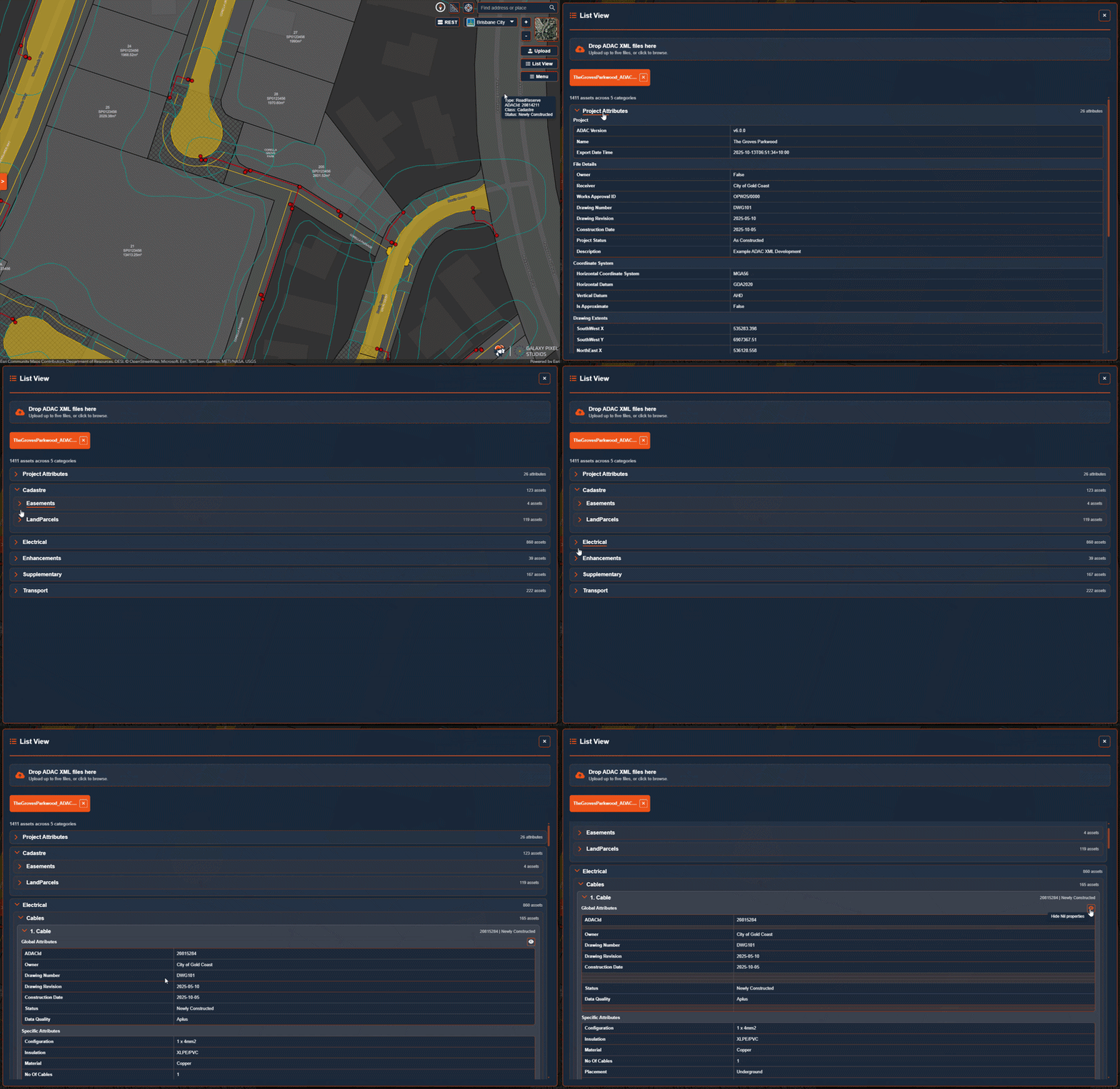
Inspect the asset inventory
Review the grouped List View and open each asset’s structured information from the active delivery.
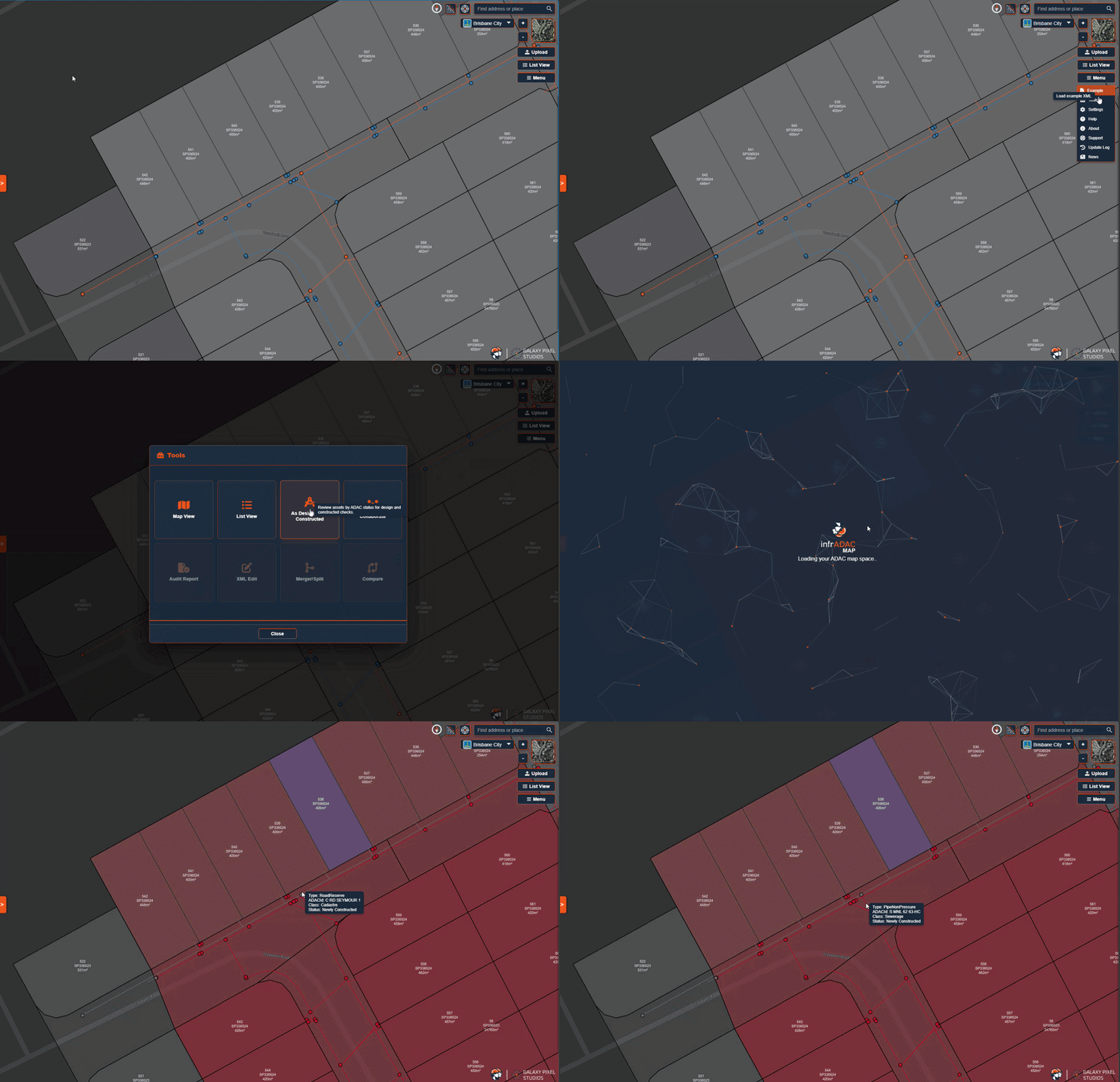
Compare design and constructed data
Switch between As Design and As Constructed modes to review the asset information supplied for each delivery stage.
Receiver profiles
Review against the requirements that apply.
A purchased annual Map Pro subscription includes your choice of eligible individual receiver profiles or collections up to $300 AUD excluding GST. Trial access uses the base ADAC schemas and does not include this profile selection.
-
 Port of Brisbanev4.1
-
 Shellharbour City Councilv5.0.1
-
 Tweed Shire Councilv5.0.1
-
 Wollondilly Shire Councilv5.0.1
-
 Bundaberg Regional Councilv4.1, v4.2
-
 City of Gold Coastv4.2, v5.0.1, v6.0.0
Annual access
Map Pro for the complete review team.
An annual subscription provides access for each Map Pro seat. Active infrADAC ACAD, BCAD, DCAD and MCAD Plugin licences include Map Pro and make their purchased receiver profiles available in Map Pro. Included Plugin access does not add the $300 profile selection.